How it works
MyChalls keeps follow-through simple: one clear challenge, one daily check-in, and visible proof over time. No fluff, no hidden process.
Private by default. We do not sell your personal data. No lock-in contract. Cancel anytime. You can request account deletion at any time.
1
Create your account
Signup takes under two minutes. Choose your plan, verify your email, and get into the product quickly.
- Use a real email address so you can verify and recover access later.
- Start free if you want to test the workflow first.
2
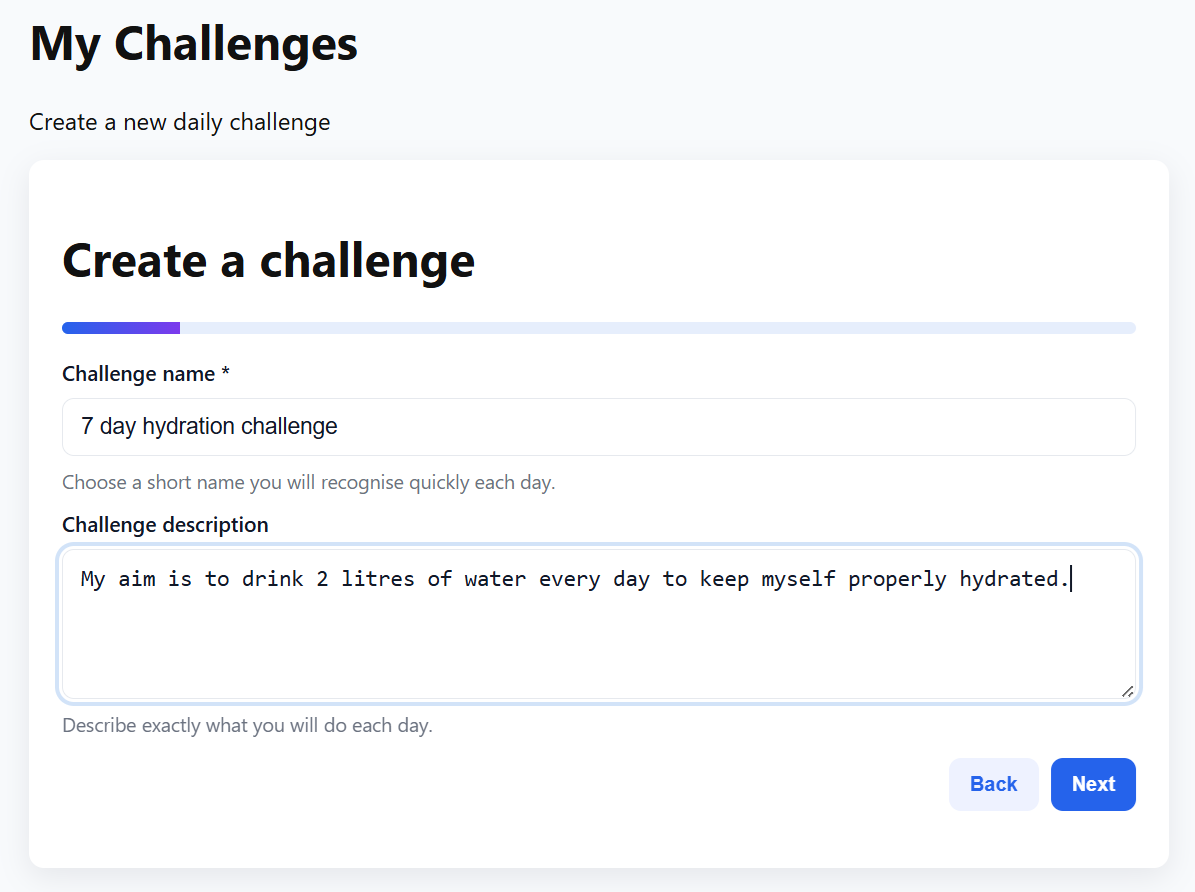
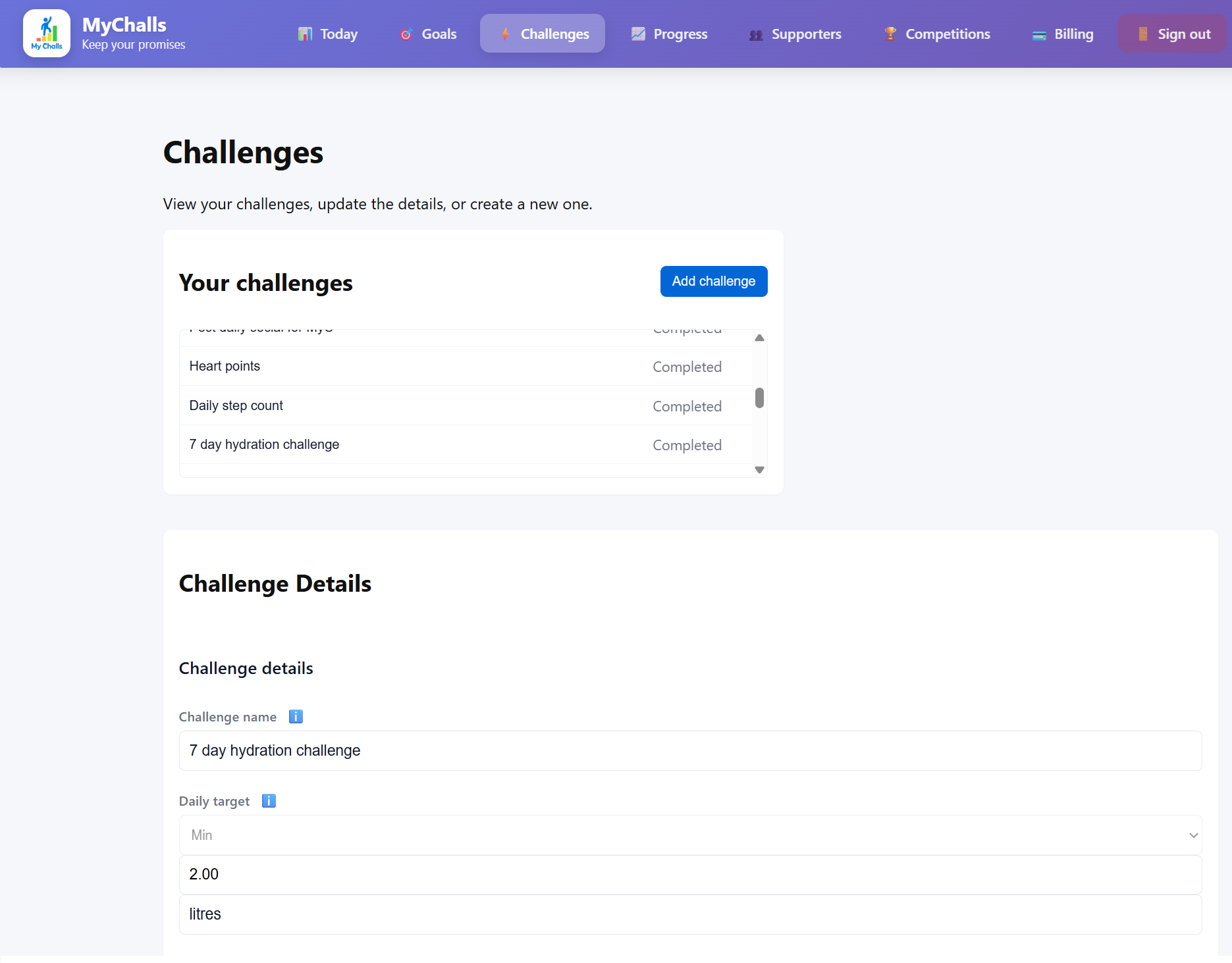
Create one challenge
Define the daily action you will track and what counts as success. Keep the definition objective.
- Pick a unit and target you can measure every day.
- Use optional features like a weekly day off or Freedom Fee if helpful.
Goal link (optional)Attach the challenge to a larger goal for context.
Cheat dayChoose one planned day off a week so the rules stay realistic.
Close enoughSet a practical threshold if all-or-nothing harms consistency.
3
Check in daily
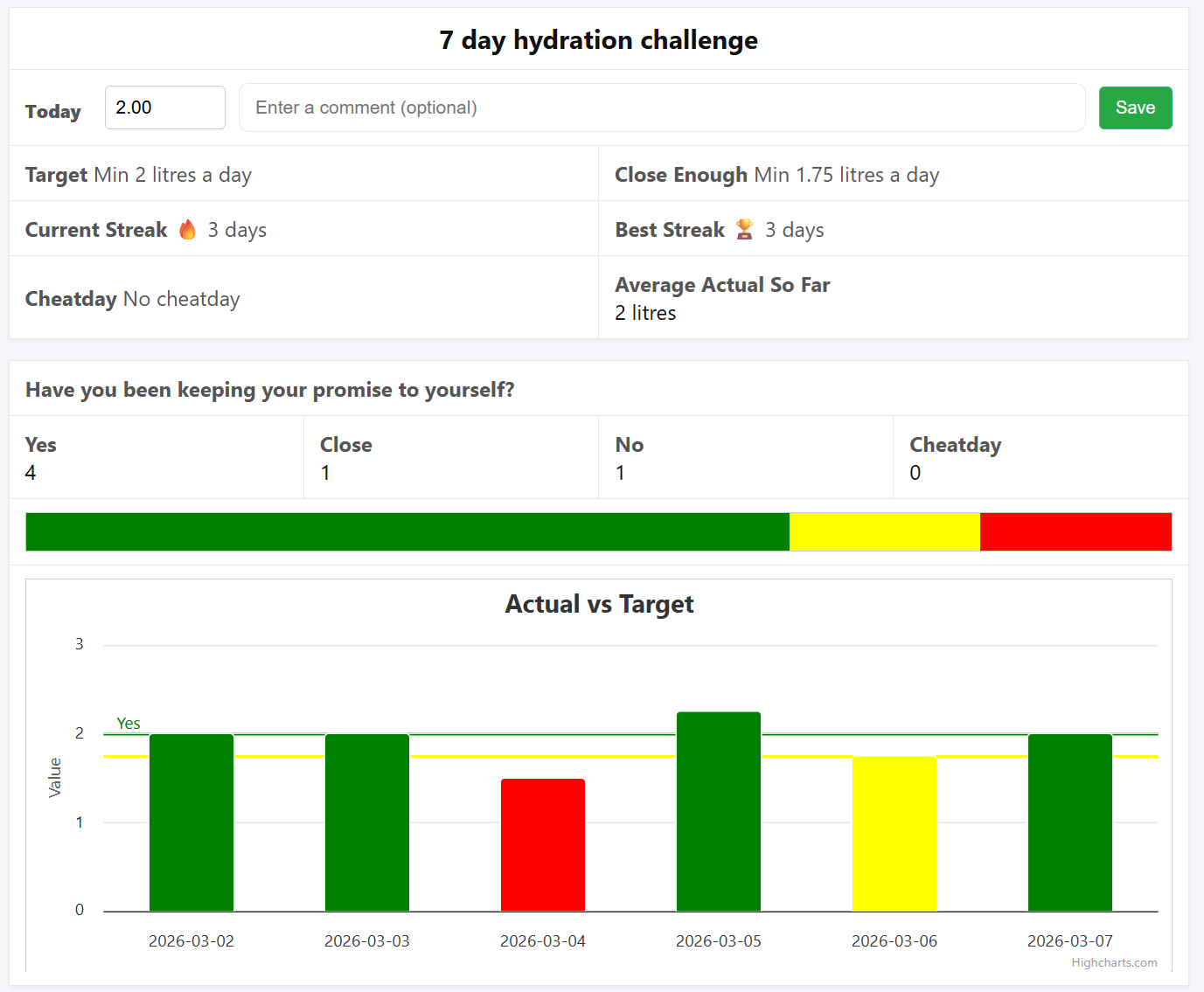
Each day, enter your number on the Today page. The app compares it against your target and updates your progress view.
- Daily reminder emails help you keep the rhythm.
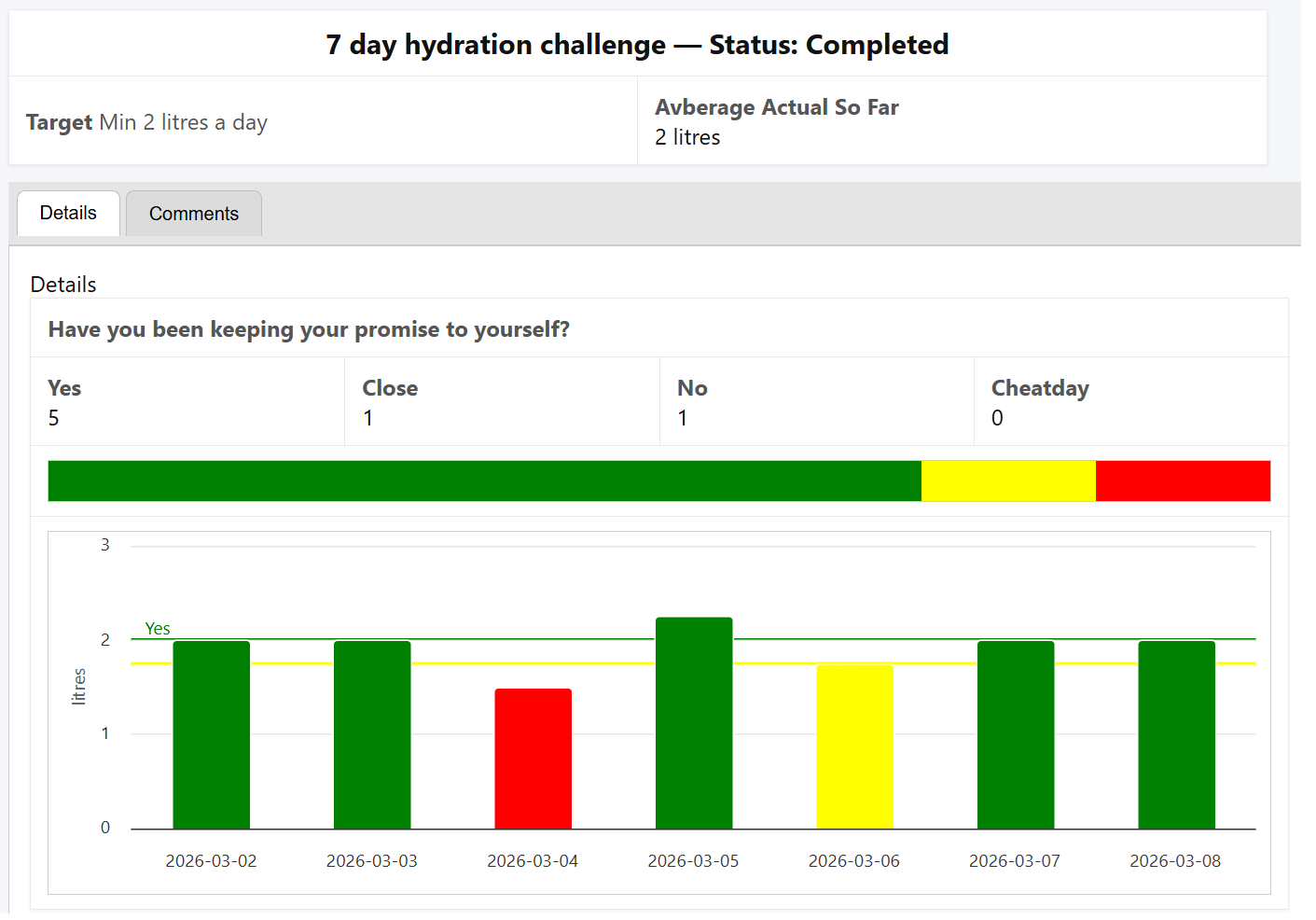
- Your history shows consistency, misses, and trend direction over time.
4
Add accountability if needed
If personal discipline is not enough, increase pressure with supporters, circles, competitions, or a Freedom Fee.
- Start simple, then add accountability layers only when useful.
- The point is completion, not complexity.
What is a streak?
A streak counts how many days in a row you've completed a challenge. Missing a day resets it to zero.
What happens if I miss a day?
Your streak resets, but your history is preserved. Just start fresh tomorrow!